> For the complete documentation index, see [llms.txt](https://docs.lightact.com/llms.txt). Markdown versions of documentation pages are available by appending `.md` to page URLs; this page is available as [Markdown](https://docs.lightact.com/layers-and-layouts/overview.md).
# Overview
An overview of Layers, Layer Layouts and Variables
## Layers
A Layer in LightAct is a very flexible concept. It can do many different things so playing video or audio is just one of them.
## Layer Layouts
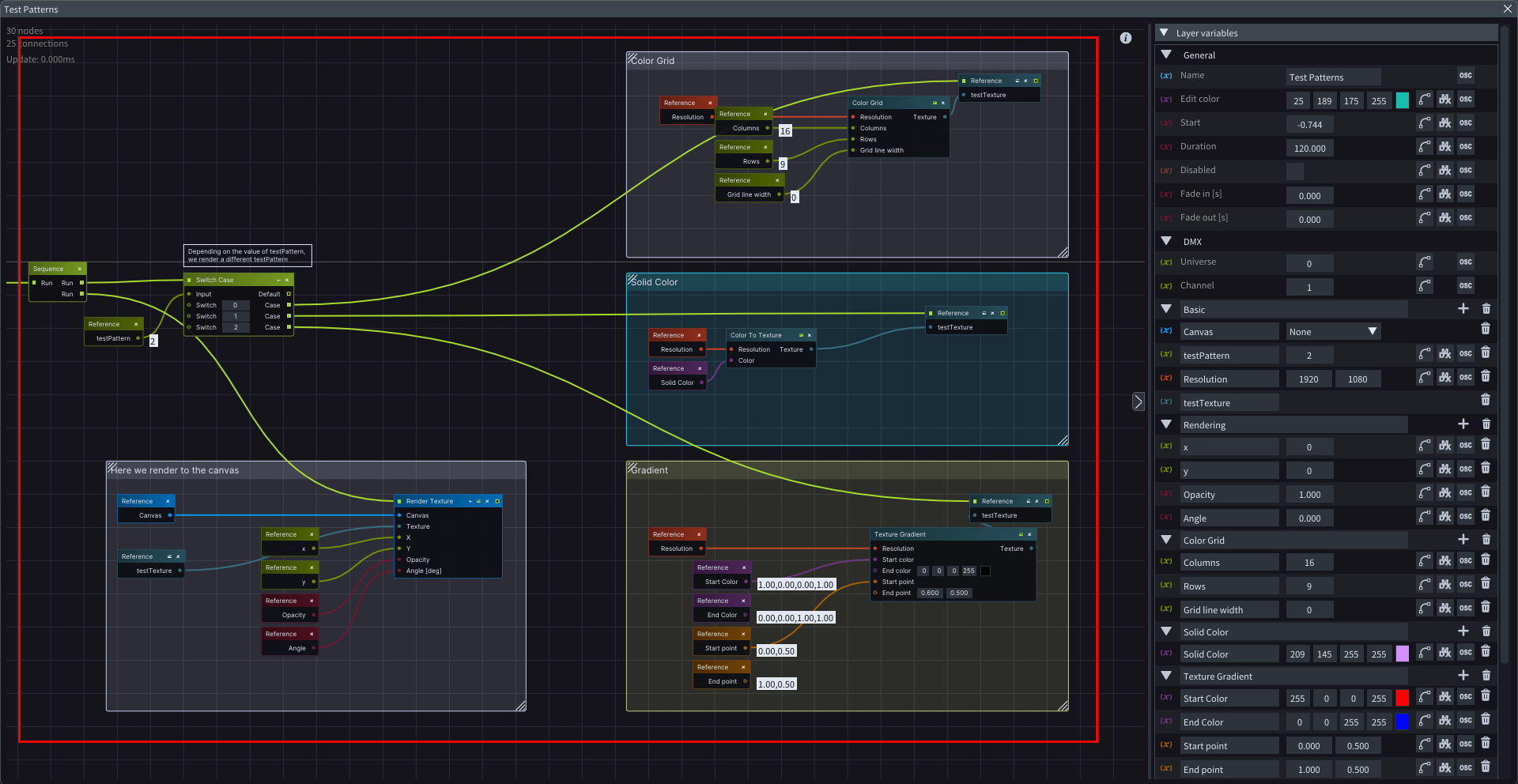
Every Layer in LightAct is composed with nodes. These nodes graphs are created in Layer Layouts - LightAct's visual scripting system.
{% hint style="info" %}
**Good to know**: Layer Layouts is LightAct's node-based visual scripting system.
{% endhint %}
The main building block in any layer layout is a **node**. With various nodes, you can build complex behavior and even conditional action flows.
{% hint style="info" %}
**Good to know:** we've created dozens of [**Stock Layer Templates** ](/layers-and-layouts/stock-layer-templates.md)for you that fulfill all the most common functionalities you'll need in a typical project. In most cases, you won't have to modify any of the nodes.
{% endhint %}
You can read more about Layer Layouts here:
{% content-ref url="/pages/Qi9QRnYVOsimB9NELNlK" %}
[Layer Layouts](/layers-and-layouts/layer-layouts.md)
{% endcontent-ref %}
### Variables
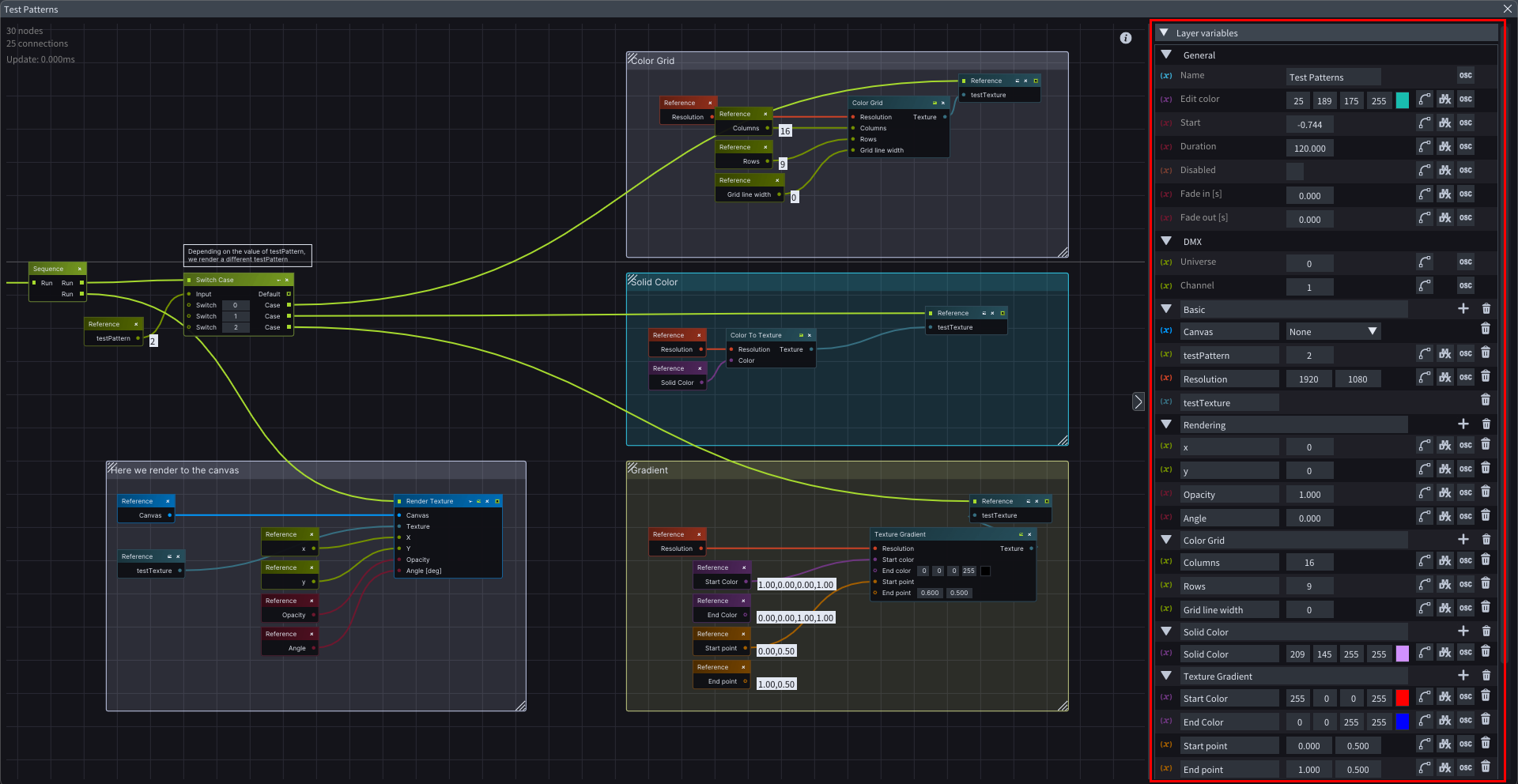
A variable is a placeholder that represents some kind of value.
In LightAct there are a lot of different variable types that are capable of storing different kinds of information, such as integer, float, and boolean.
You can read more about the variables here:
{% content-ref url="/pages/79CinBUgz7MRdQQr9I6F" %}
[Variables](/layers-and-layouts/layer-layouts/variables.md)
{% endcontent-ref %}
## Layer Templates
When you create a layer from scratch, you can save it as a template and use it for future use. This collection of nodes and variables we call Layer Templates.
There are 2 kinds of them:
1. **Stock Layer Templates**: these are templates that we provide with every installation of LightAct. Among them there are some typical ones like Video or Audio and some very unique ones. Explore them in [Stock Layer Template pages](/layers-and-layouts/stock-layer-templates.md).
2. **User Layer Templates:** these are templates that users create themselves. Read more about them [here](/layers-and-layouts/user-layer-templates.md).
{% hint style="info" %}
**Good to know**: sometimes we refer to layer templates as simply templates or simply layers.
{% endhint %}