> For the complete documentation index, see [llms.txt](https://docs.lightact.com/llms.txt). Markdown versions of documentation pages are available by appending `.md` to page URLs; this page is available as [Markdown](https://docs.lightact.com/preparing-your-hardware-for-lightact/displayport-hdmi-converters.md).
# DisplayPort - HDMI converters
If it is required to convert DisplayPort outputs into HDMI outputs
{% hint style="info" %}
If possible, we always recommend to use direct DisplayPort to DisplayPort connection between reActor and the displays.
{% endhint %}
We recommend to use direct DP-DP cable connection between the reActor and the displays.
{% hint style="warning" %}
If you need to convert DisplayPort to another format, such as HDMI, please note, not all converters are supported. Below you will find a list of the adapters we tested and are funtctional.
{% endhint %}
## A list of tested and functional DisplayPort to HDMI adapters
If you need to convert the output signal, please consider using the following adapters:
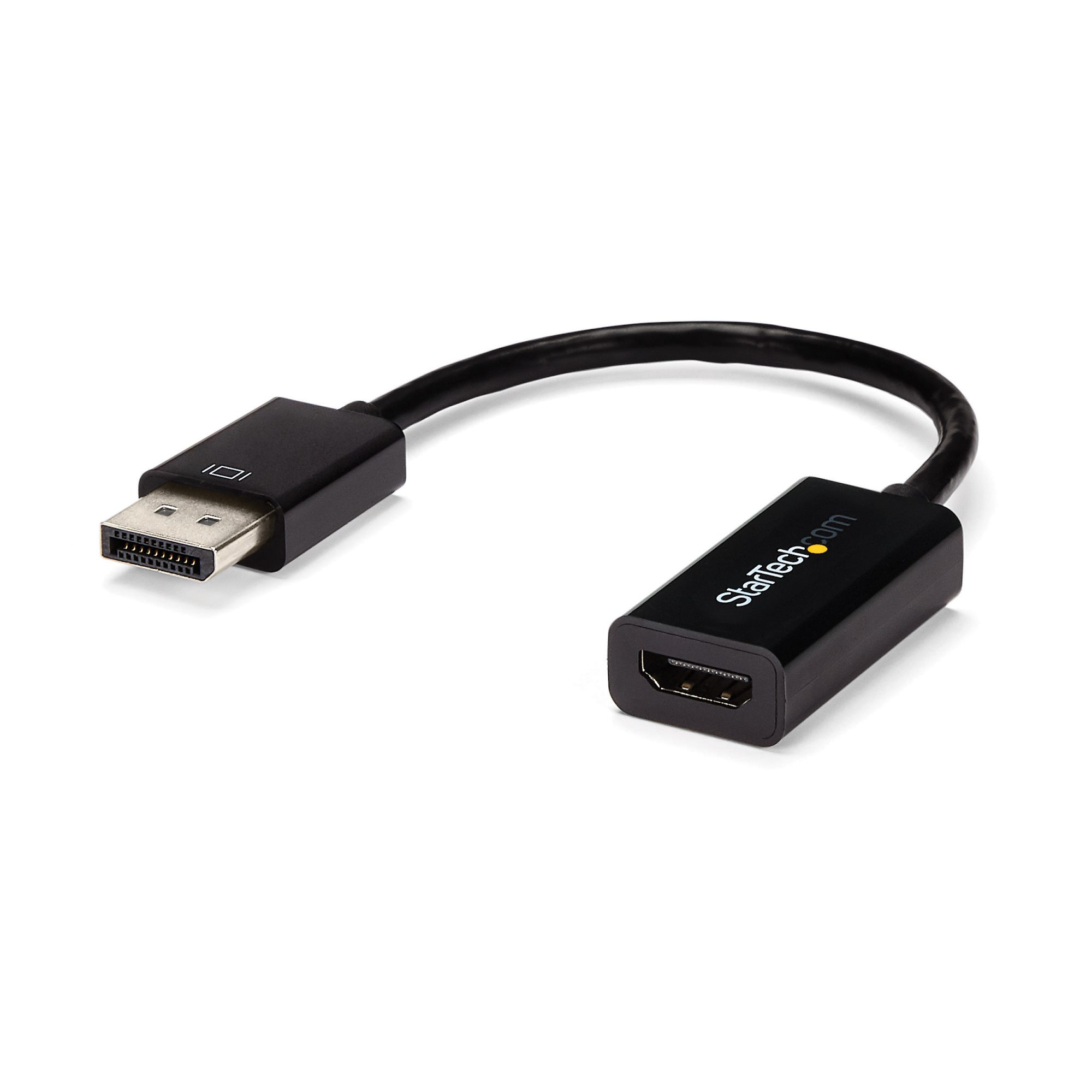
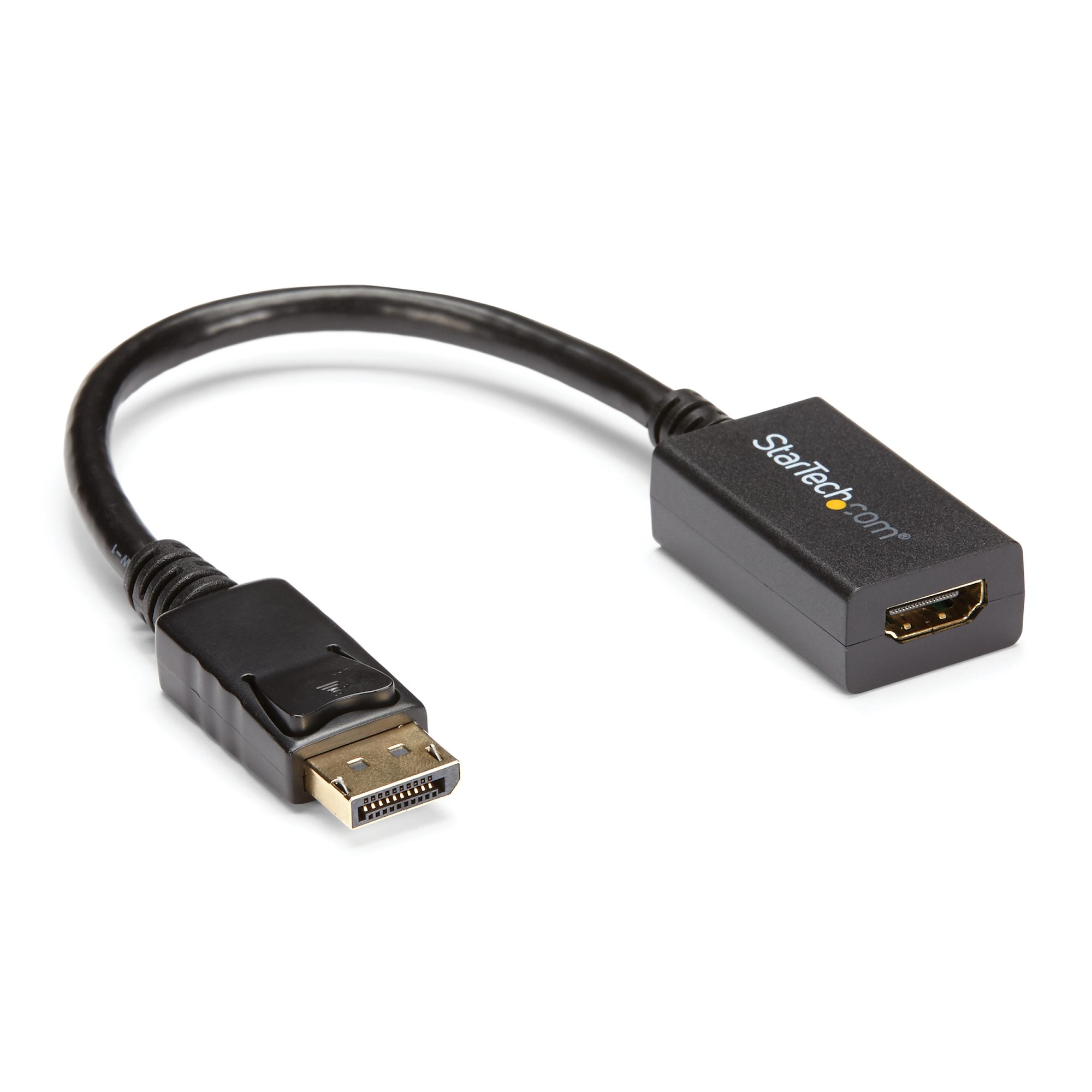
### StartTech DisplayPort to HDMI
You can find the link [here](https://www.startech.com/en-at/display-video-adapters/displayport-mini-displayport-adapters?filter_hostvidfilter=displayport\&filter_numofdispfilter=1\&filter_vidoutfilter=hdmi\&filter_cablengthfilter=adapter%2520%253C%25203ft%2520%252F%25201m\&filter_oscompatfilter=windows). We tested both DP2HDMI2 and DP2HDMI4KS.