> For the complete documentation index, see [llms.txt](https://docs.lightact.com/llms.txt). Markdown versions of documentation pages are available by appending `.md` to page URLs; this page is available as [Markdown](https://docs.lightact.com/output-setup/output-management/modify-or-disable-mosaic.md).
# Modify or Disable Mosaic
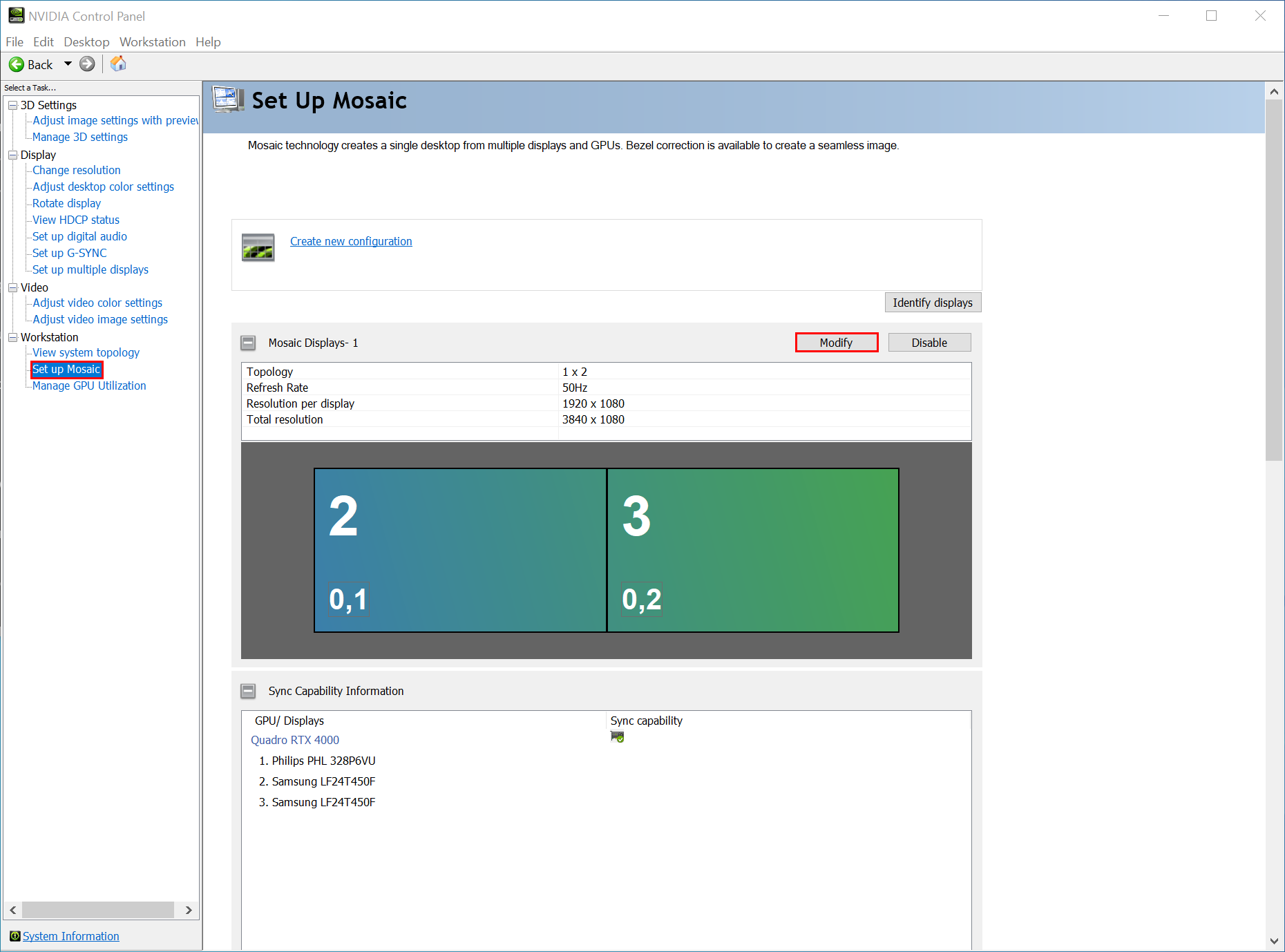
To modify or disable Mosaic, go to the **Set Up Mosaic** section under *Workstation* in the *NVIDIA Control Panel.*
## Modify Mosaic
In the *Set Up Mosaic* page, locate the Mosaic you would like to adjust and select **Modify** button.
This will open the *NVIDIA Mosaic set up* window which is explained step-by-step in the [Set up Mosaic](/output-setup/output-management/set-up-mosaic.md) page.
## Disable Mosaic
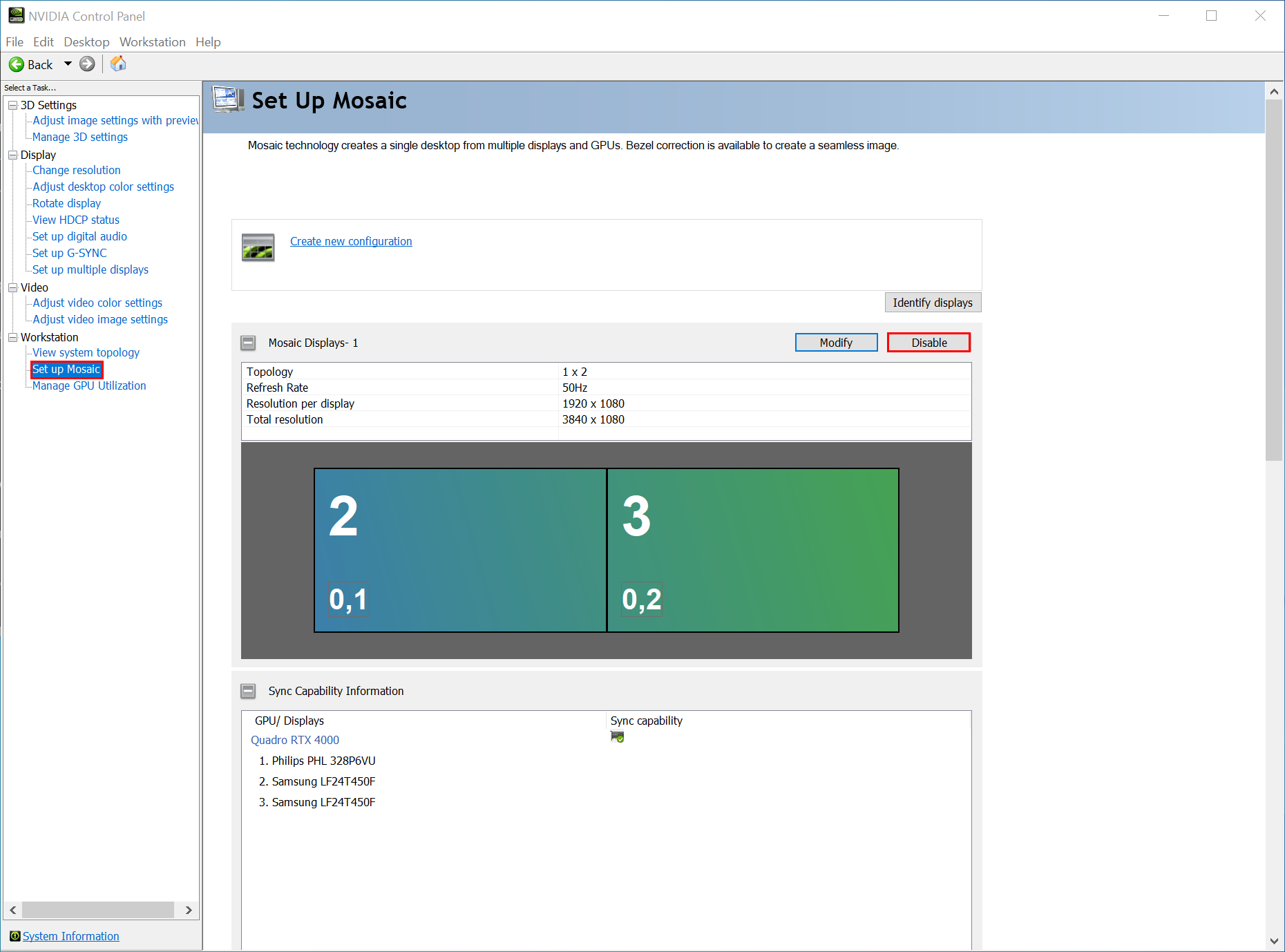
Similarly, to disable a Mosaic, you first need to pinpoint it in the *Set Up Mosaic* page. Then, click on **Disable** button.
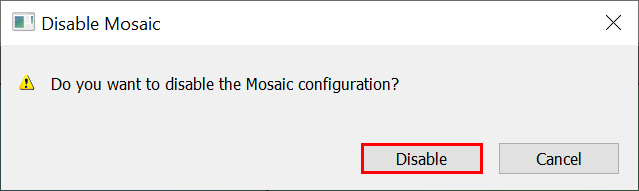
To confirm this action, click **Disable** again on the additional pop up window.