> For the complete documentation index, see [llms.txt](https://docs.lightact.com/llms.txt). Markdown versions of documentation pages are available by appending `.md` to page URLs; this page is available as [Markdown](https://docs.lightact.com/layers-and-layouts/layer-layouts/nodes/texture-processing/rotate.md).
# Rotate
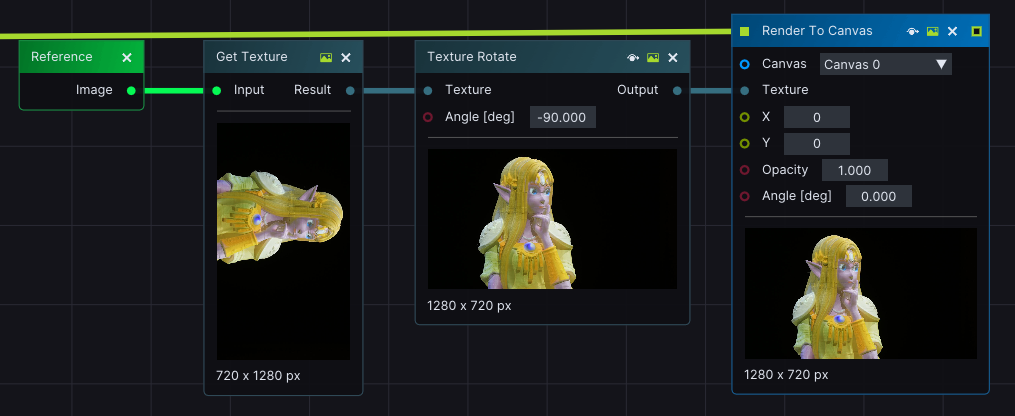
*Rotate Texture* node allows you to manipulate the orientation of a *Texture* by rotating it with a desired angle around its center.
## Setup
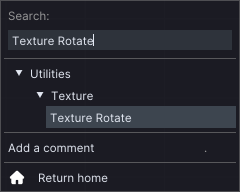
To use the node, you first have to insert it in the *Layer Layouts*. You can find it in the dedicated *Search bar*, under **Utilities -> Texture** collapsible.
Give the *Texture Rotate* node a *Texture input* and connect it to an active *Lifeline*. As you change the **Angle value** of the *Texture Rotate* node, you will notice the *Texture* changing its default orientation.