> For the complete documentation index, see [llms.txt](https://docs.lightact.com/llms.txt). Markdown versions of documentation pages are available by appending `.md` to page URLs; this page is available as [Markdown](https://docs.lightact.com/layers-and-layouts/layer-layouts/nodes/texture-processing/luma-key.md).
# Luma Key
*Texture Luma Key* is a very useful node designed to mask pixels based on a given threshold. In practice, it is used to create a composite based on the luminance levels of the incoming texture.
## Setup
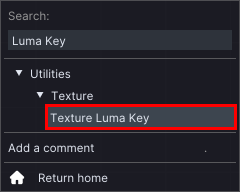
To use the node, you first have to insert it in the *Layer Layouts*. You can find it in the dedicated *Search bar*, under **Utilities -> Texture** collapsible.
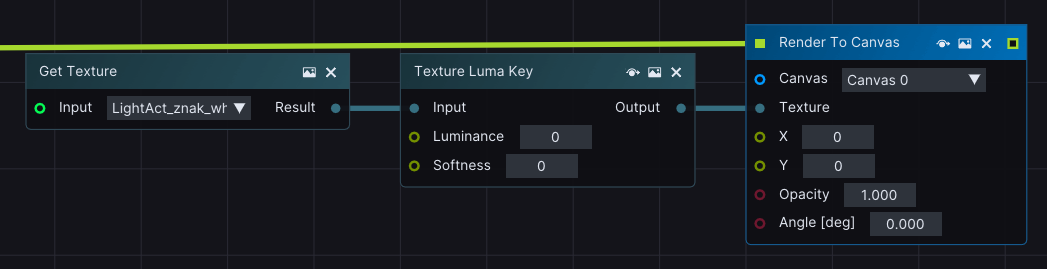
Give the *Texture Luma* node a *Texture input* and connect it to an active *Lifeline*.
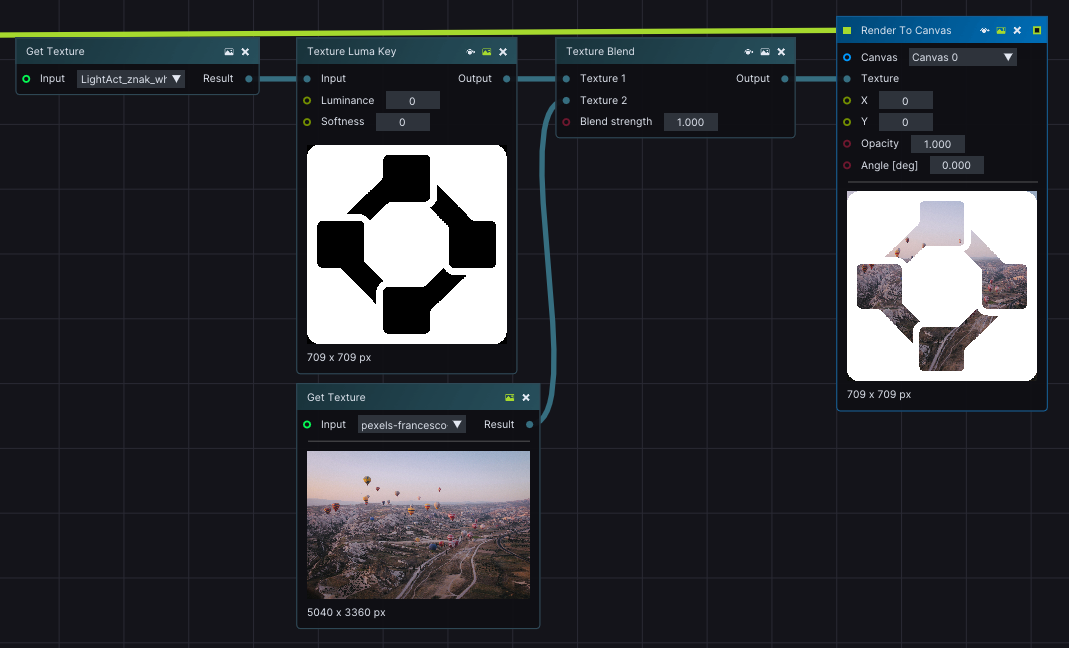
All pixels from the incoming *Texture* whose brightness is above the *Luminance value* will be masked. This node is often used in combination with other Texture nodes, such as the *Texture Blend* node.