> For the complete documentation index, see [llms.txt](https://docs.lightact.com/llms.txt). Markdown versions of documentation pages are available by appending `.md` to page URLs; this page is available as [Markdown](https://docs.lightact.com/layers-and-layouts/layer-layouts/nodes.md).
# Nodes
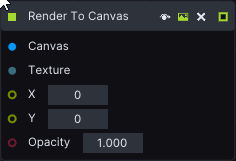
Every node has inputs on the left side and outputs on the right side.
There are 2 types of nodes: action nodes and basic nodes.
## **Action nodes**
They have at least one lifeline (lime color) square pin input or output.
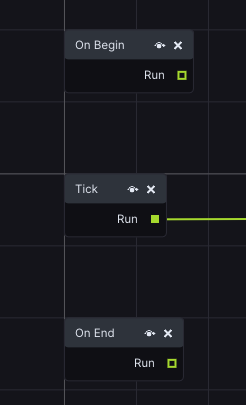
There are **3 special action nodes** in every layer. They are inserted by default.
* **Tick** node executes every frame as long as the transport (the green vertical line in the Timeline indicating where in the Section you are) is on the layer.
* **On Begin** executes only once when this layer first become active. Usually this happens when the playhead touches the left side of the layer.
* **On End** is similar to On begin, except that it executes at the end of the layer.
## **Basic nodes**
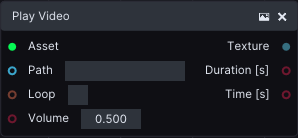
They have no square lime Lifeline pin inputs or outputs.
### Node controls
#### Preview
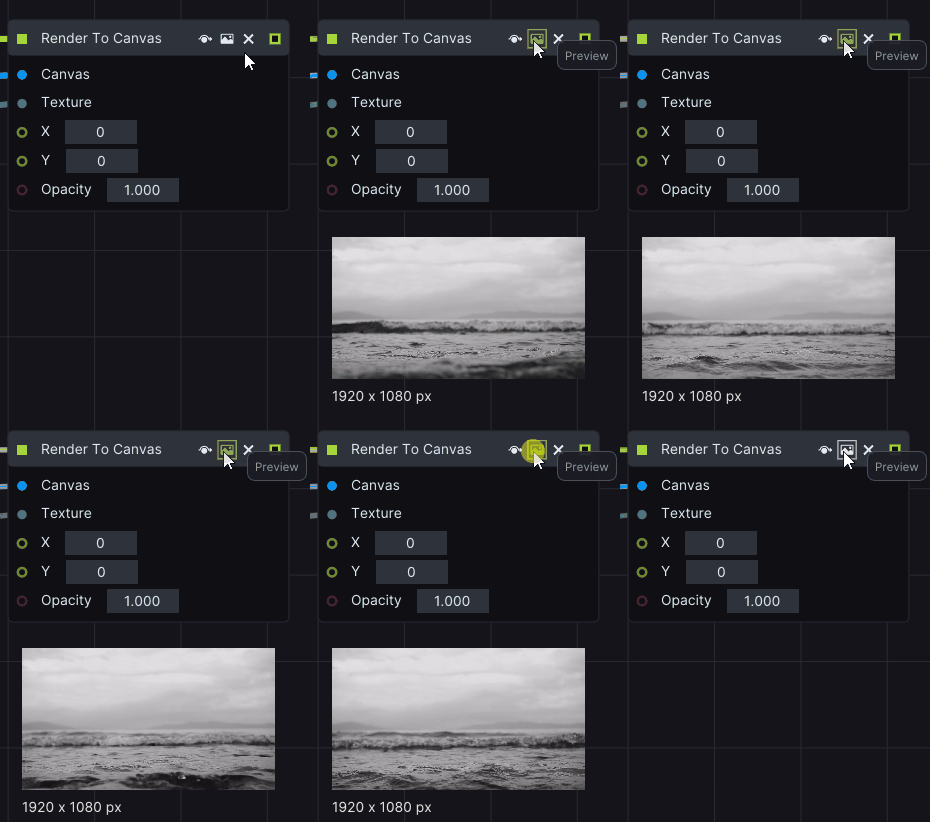
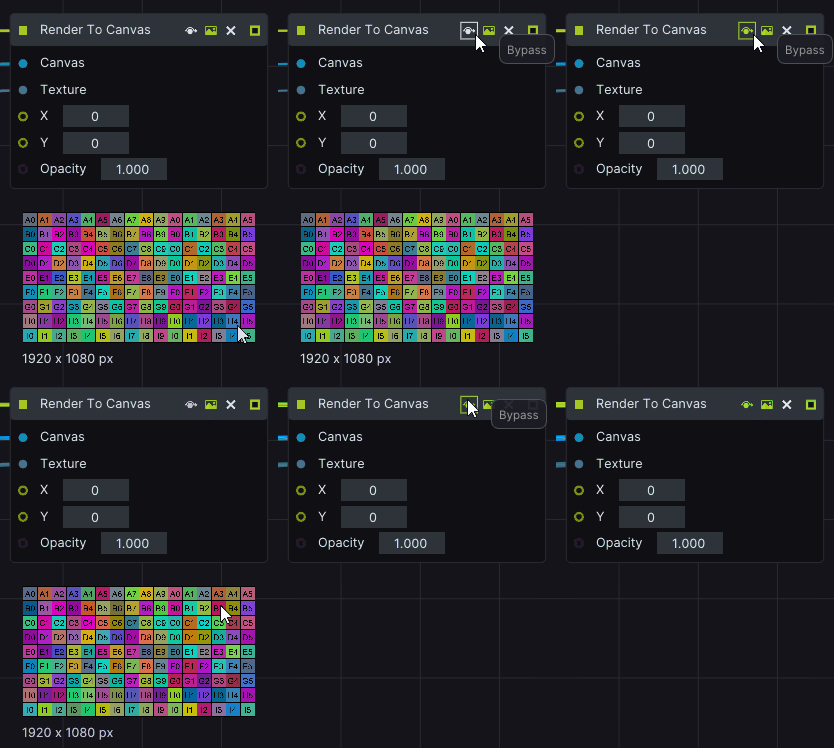
Some nodes also contain a **Preview** option. Toggle it on or off with a **Preview** icon.
#### Bypass
Bypass icon causes the node to not execute at all.
{% hint style="info" %}
**Good to know**: Bypass is useful, especially with various texture processing nodes.
{% endhint %}